
make marketing affordable now!


|
|---|
 Email Setup:
Email: |
me@my-domain.co.za |
| Incoming (POP) server : | mail.my-domain.co.za |
| Outgoing (SMTP) server : | smtp.my-domain.co.za |
| Account / User Name : | me@my-domain.co.za |
| SMTP Authentication : | Enabled (same Username as POP) |
| Note: If SMTP Authentication is not catered for by your email program, you must rather use your ISP's SMTP server. | |
| SMTP Port : | 587 |
Launch your mail application
1. Start by selecting the mail icon from your applications screen.

Setup email
2. Enter the email address and email password as per the screen below and select “Manual Setup“:

Incoming server settings
3. Ensure the User Name field is the full email address, enter all the relevant details as per the screen below and then select “Next“:

Outgoing server settings
4. Enter all the relevant details as in the screen below and then select “Next“:

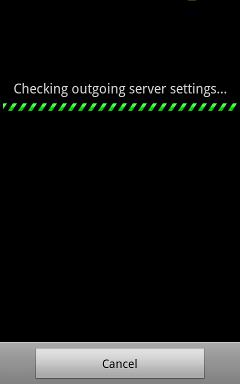
Checking outgoing server settings…
5. Wait while your settings are tested:
Account options
6. Adjust the additional Account Options as needed:

Additional setup
7. Specify an optional account name (for your reference only), and enter the name you wish to be displayed on outgoing mail, then select “Done“:
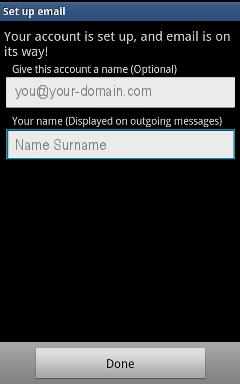
Complete Setup
8. The account has been set up successfully and your messages will now be downloaded.

Email still not working? Read our Troubleshooting Guide