
make marketing affordable now!


 Button Button
A button is a form element that gives the user a visual cue for completing a form action. Form button element comes in three variants. The first one is a standard button with arbitrary text. The second one is a submit button that submits the form data to the server. The third one is a reset button that resets the form elements to their default values. To insert a button into a document in CKEditor, place the cursor inside the form element and press the Button toolbar button. The Button Properties dialog window that will open lets you set the name, value, and type of the button element. 
Button Properties dialog window in CKEditor
Once you configure the button element and click OK, the button will be visible in CKEditor editing area with the text specified in the Text (Value) field. 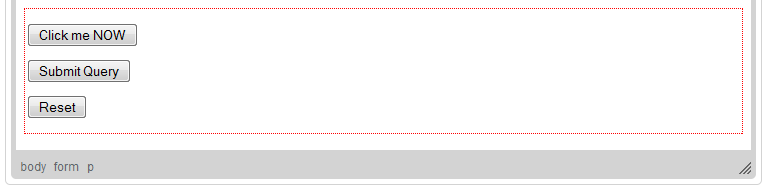
Buttons of three different types added to a form in CKEditor
|
|---|